Write a guide for OpenBot
How to write a guide for OpenBot, with a worked example of every element one can use: prose, links, tables, images, animations, clips and captioned video.
This page is two things at once. It is the instructions for adding a guide to this site, and it is the worked example: every element a guide body can use appears below, in the place where the text needs it. Copy from here rather than reading the components.
Add a guide in three steps
- Write the body as a TSX component in
apps/auth-api/src/content/guides/, named after its slug. - Add one entry to
GUIDES_COLLECTION.articlesinsrc/lib/guides.ts, and one line toGUIDE_BODIESinsrc/content/guides/index.ts. - Run
bun run api:imagesand commit what it writes intoapps/auth-api/content-art.
The registry entry is the only description of the article the rest of the site reads:
{
  slug: "write-a-guide-for-openbot",
  title: "Write a guide for OpenBot",
  description: "…110 to 160 characters, and the only summary the site has…",
  publishedAt: "2026-09-11",
  author: NEWS_AUTHOR,
}
The artwork is generated, not drawn: four images per guide, from the title. The build fails when the committed folder and the registry disagree, so the last step is not optional. Nothing else needs changing — the index page, the article page, the sitemap and the feed all read the registry.
House rules
- Write in ASD-STE100 Simplified Technical English: short sentences, one idea each, no words the reader has to decode.
- Keep
descriptionbetween 110 and 160 characters. It is the search result and the social card. - Say what a picture shows in its
alt, not that it is a picture. A caption adds what the prose did not. - Check every claim against the code. A guide that is confidently wrong costs more than no guide.
Write for somebody who has the application open and is stuck. That reader does not want the history of the feature. They want the next thing to press.
The elements you can use
A body is plain TSX, so any markup renders — but only the elements below are styled, and anything else will look like it escaped. Headings give the page its shape: h2 for a section, h3 for a step inside one. Use strong for the sentence a skimming reader must not miss, and no more than one per section.
Use ul for things of equal weight and ol when the order is the point. Use inline code for a path, a flag or a setting, and a pre block for anything the reader will copy. Name a key with ⌘K rather than describing it, and use a table when the reader is choosing between options.
Linking out and linking on
An external link takes its address from OPENBOT_LINKS and carries target="_blank" with rel={EXTERNAL_LINK_REL}, like this link to the repository. Never paste a bare URL: one constant keeps every page pointing at the same place.
A link inside the site is a router Link, so it navigates without reloading the page — for example to One agent, many providers, or back to all guides.
Pictures, animations and video
Import the file rather than writing its path, and keep it in src/content/guides/media/<slug>/. The build then fingerprints it and fails on a file that is not there, so a renamed picture cannot ship broken. Every one of these components needs the real width and height, which is what holds the page still while the file loads.
| Component | Use it for | It needs |
|---|---|---|
ArticleImage | A screenshot or a diagram. | alt. Optional mountOn (the article title) puts it on the card gradient; leave it out for a bare picture. mountPad is "tight" or "roomy" |
ArticleGif | A few frames that repeat, where each frame matters. | alt and a still |
ArticleClip | A silent loop of movement, at a fraction of a GIF's size. | label and a poster |
ArticleVideo | Something with sound, or longer than a loop. | label, a poster and captions |
A caption on any of them draws the line underneath. Leave it out and the picture stands on its own, which is right when the picture only repeats the sentence above it.
A still picture
Reach for this first. It is the cheapest thing to load and the easiest thing to read.
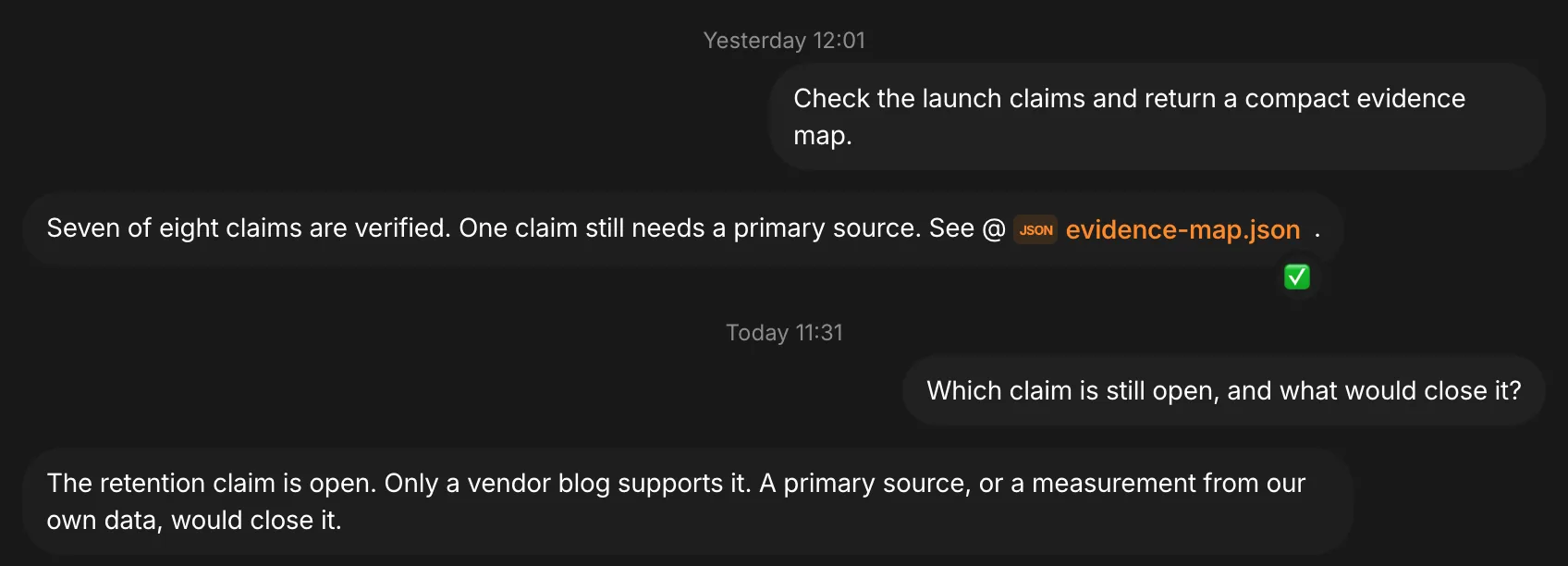
Leave mountOn out and the picture is the whole of the figure, which is right when it is already dark to its edges. Give it mountOn with this article's title to sit it on the card gradient. mountPad="tight" is a thin mat, mountPad="roomy" is a field. Leave mountPad out and a wide picture is tight, a tall one is roomy.
An animation
Use a GIF for a handful of states the reader compares against each other. It carries its own Pause control, and a reader who asked their system for less motion is given the still until they ask for the motion.

A silent loop
A clip is a GIF that compresses. It has no sound, it loops, it downloads nothing until it is on screen, and it stops when the reader stops it.
A video with captions
Use a video when a loop is too short for what you have to show. The reader starts it, and a WebVTT captions file is required — write it by hand next to the video. A video nobody can read is a video half the readers are shut out of.
Before you open the pull request
Read your own guide with the application open beside it and do what it says. Then check the article page, the index card, the feed and the social card, because one registry entry feeds all four. If a sentence only makes sense to somebody who already knows the answer, it is not finished.
The contributing notes cover the rest of the checks. Start from OpenBot 101 if you need the vocabulary this site uses.