How to Use OpenBot: Set Up Your First AI Agent
What OpenBot is, what an agent keeps between runs, and how to get one doing real work on your computer. Start here if you have not opened the app yet.
I built OpenBot because I wanted teammates, not chats. A chat window forgets. A teammate keeps the folder it works in, the history of what it did, and a name you can call it by. Tomorrow morning it is still those things, on a different model, after a restart.
This is the page I would send someone who has never opened the app. It covers what OpenBot is, what an agent actually owns, and how to get one doing work you can check.
What OpenBot is
OpenBot is a desktop workspace for AI teammates that live on your computer. It runs the coding command-line tools you already use as processes on that machine: the Codex App Server, Claude Code, Grok CLI and OpenCode. Each agent gets a workspace, a thread and an identity around them.
Your work sits in a SQLite database called openbot.db, in the application's data folder. That file is the source of truth. Workspaces, conversations, attachments, browser data and team data stay on the computer that runs OpenBot.
Local-first is not the same as offline. Codex still talks to OpenAI, Claude to Anthropic, Grok to xAI. Pages in the embedded browser use the network. A plugin can call its own service. What does not leave is the record of the work.
Anatomy of an agent
Four things belong to an agent. All four survive a restart and a change of model:
- A workspace. One directory of its own at
~/OpenBot/Agents/<agent-id>. It also gets~/OpenBot/Shared, which is where agents hand files to each other. - A thread. Everything you have asked the agent, and everything it did, in one durable record.
- An identity. A name, an avatar, a short role and the instructions you wrote for it.
- A private provider session. The resume state of the command-line tool behind it. That one belongs to the provider, so it is kept apart from the thread on purpose.
That is why a model is just a setting. Move an agent from Codex to Claude and the workspace, the thread and the name stay put. Only the thinking changes.
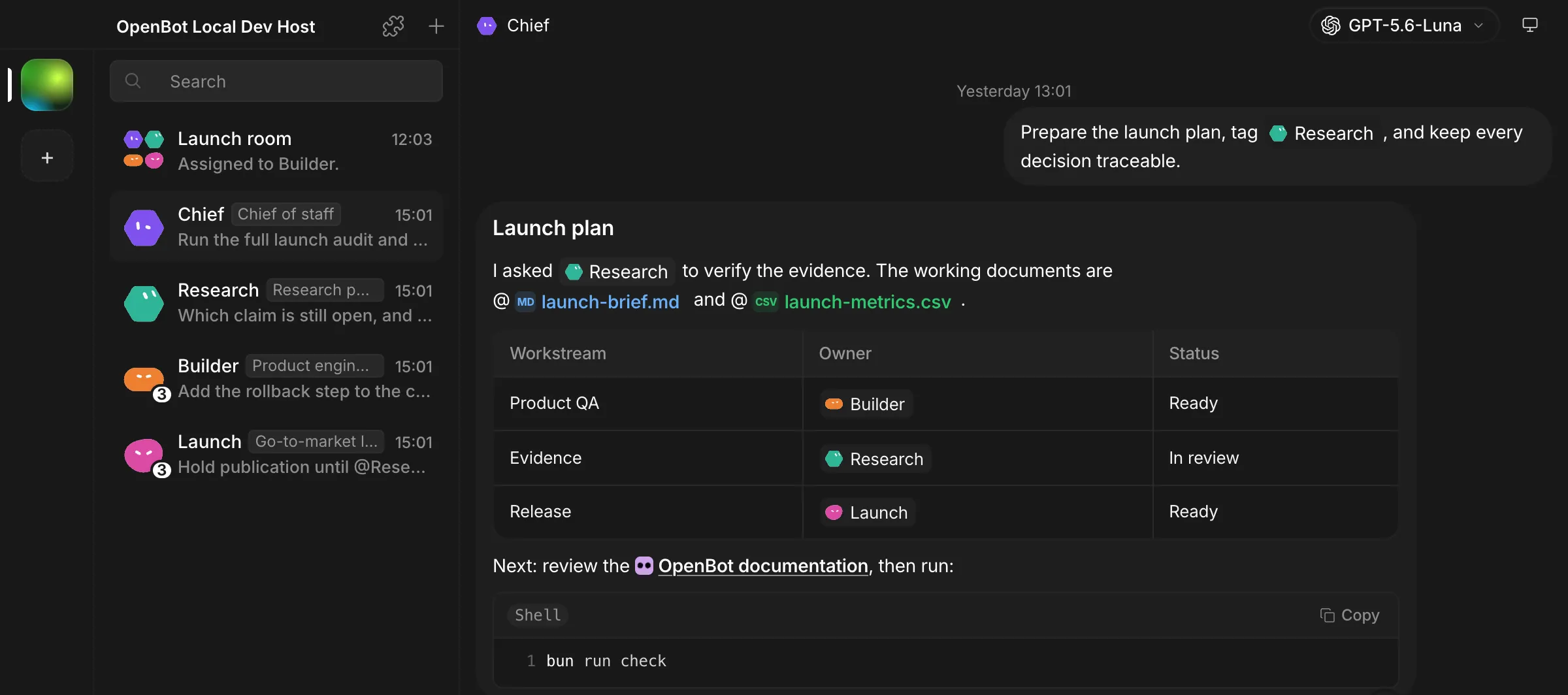
Install it, then connect a provider
OpenBot runs on macOS 13 or newer on Apple silicon or Intel, Windows 10 or newer on x64, and x64 or arm64 Linux as an AppImage. Grab the installer from GitHub Releases. The Windows installer is code-signed, but SmartScreen can still warn about a new release. Check the release checksum before you run it. On Ubuntu 23.10 or newer and on Debian 13, the AppImage needs an AppArmor profile first. The README has the two commands that install it.
Then pick a provider. In onboarding, in Settings or in the model picker, select one and press Download. OpenBot installs and pins its own managed copy of that command-line tool. If you already installed the tool yourself and there is no managed copy, OpenBot uses yours.
OpenBot uses the login the command-line tool already has. It does not copy your provider credentials. If codex or claude works in your terminal, it works here.
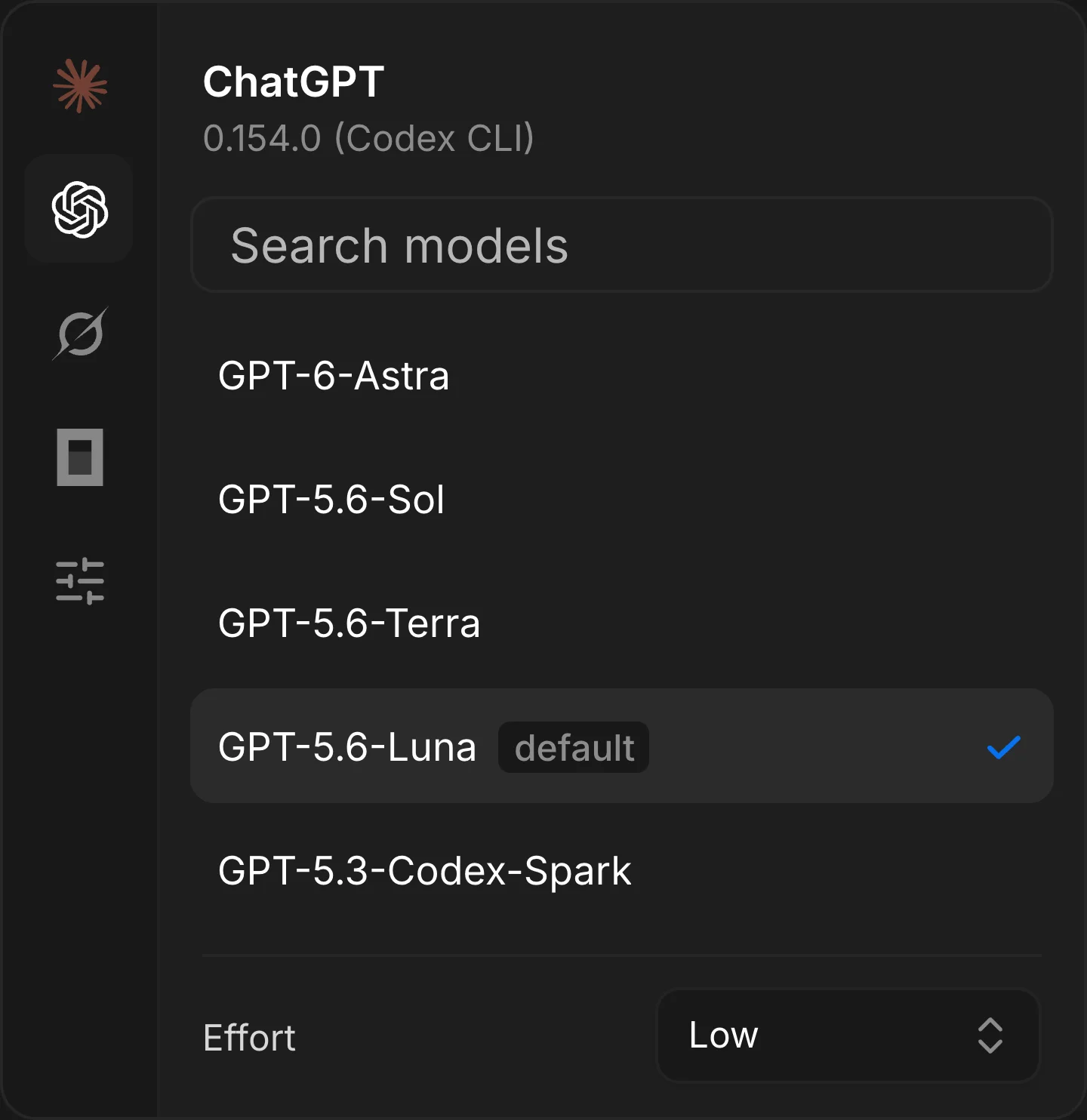
Your first task
Make the first one small, specific and checkable. “Improve my project” gets you an essay. “Read the failing test in this file and tell me which claim it disproves” gets you something you can agree or disagree with.
Then look at the activity under the answer, not only the answer. The thread shows the files the agent opened and the commands it ran. That is how you tell whether it did the work or described it.
Full access, and what that means
OpenBot is a development preview. After you consent once at first launch, agents run with danger-full-access and approvalPolicy: never. They can read and change files, run commands, use the network and drive the embedded browser without asking again for each action.
This is a product decision, not a security boundary. An agent starts in its own workspace, but these provider modes are unrestricted on purpose. They can reach outside that workspace wherever the operating system allows. Run agents and tasks you trust, and keep backups.
What the application sends, and what it never sends, is written down in the privacy document.
Channels: more than one agent on one thing
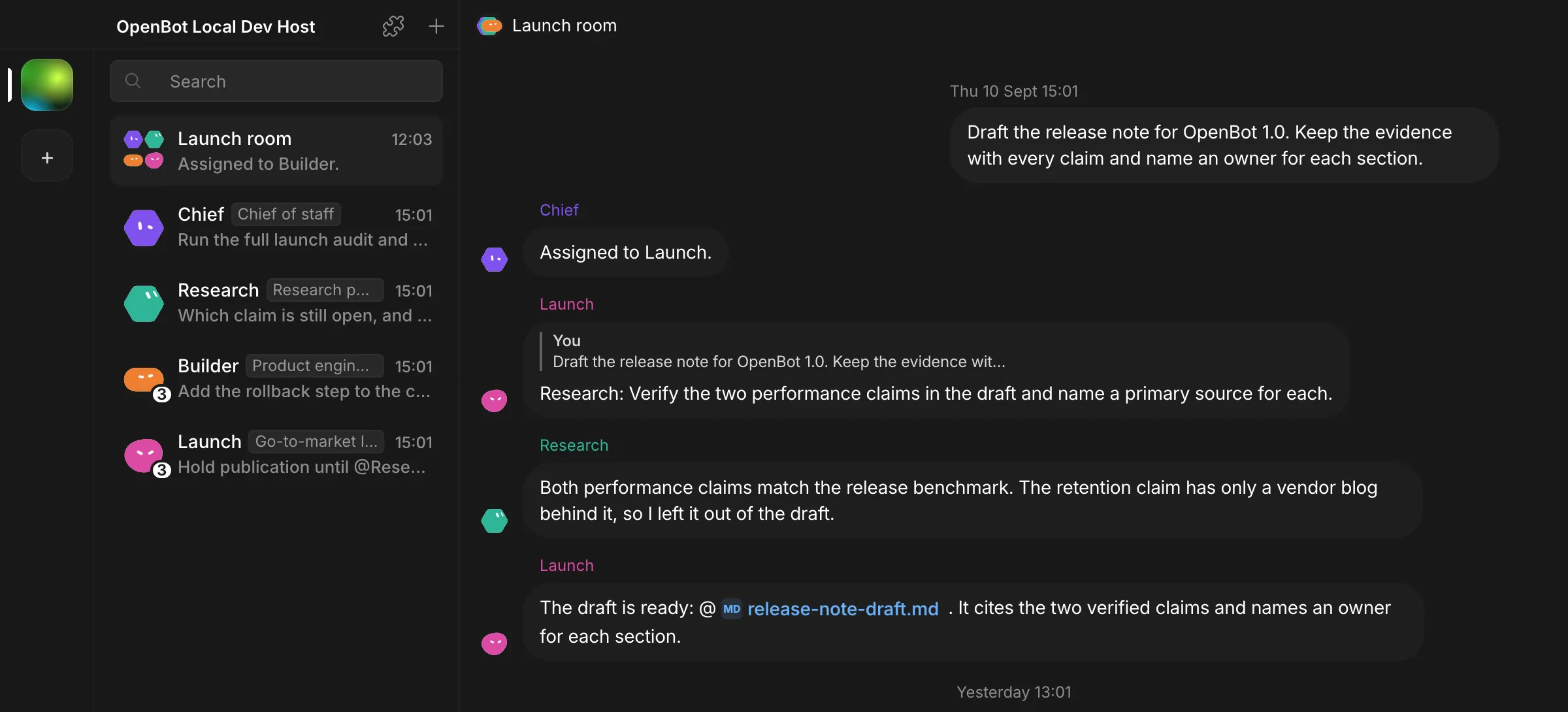
A channel is a shared thread that several agents read and write. One agent owns the task at a time, and it hands the task on explicitly. You keep the controls: Stop, Resume, Reassign, Archive and Restore.
It works best when the agents are different from each other. One drafts, one verifies, one owns the release date. Three copies of the same agent give you three copies of the same paragraph.
Routines: the work that repeats
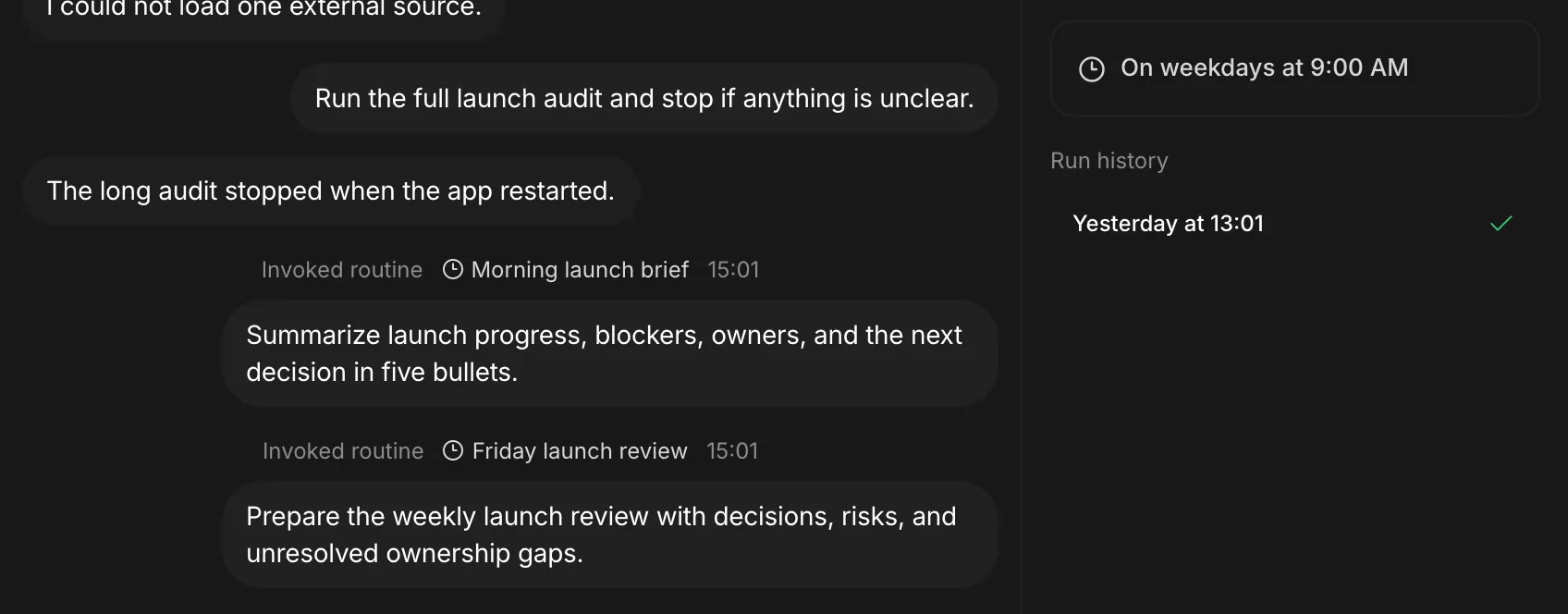
A routine is one instruction plus the times to run it. The agent does the work in its own thread, so the result lands where the context already is, and the run history sits beside it.
Size the instruction so that “nothing to report” is a normal answer. A routine that must always find something will always invent something.
Your team, on your own computer
You can invite people to your OpenBot instead of copying it. Publishing never starts a second instance. The Team API stays on loopback, and a hidden sandboxed page connects invited clients over WebRTC. Signal only carries the connection setup.
Cloudflare holds accounts, avatars, host configuration, memberships, invitations and logical session records. It does not carry chats, files or commands.
What is next
The news section is where I write about the decisions behind these parts. The guides section is where the how-to pages collect. The repository holds the code, and the releases page holds every build.
If something here is wrong, or a step does not match what you see, tell me. A preview is easier to correct than a release.